
Design fundamentals
A confident grasp of layout, typography and color.
Learn visual design from foundational principles to portfolio-ready branding and client projects, supported by practical AI workflows.

A project-first learning experience with direct guidance, structured practice and outcomes you can actually show.
A confident grasp of layout, typography and color.
A practical Photoshop, Illustrator and AI workflow.
Projects you can present to clients and employers.
Build your graphic design practice around clear visual decisions, useful software skills and projects you can explain. Creative Fox Studio's Graphic Design with AI course brings design foundations, practical work and portfolio development into a two-month learning format, with online and onsite individual sessions.
A clear roadmap from basics to finished work. Explore each module to see what the course covers.
↓ Download Full PDF OutlineA practical two-month learning path from design foundations and Photoshop to Illustrator, brand identity, AI-assisted creative workflows and portfolio presentation.
The published outline covers Photoshop, Illustrator, Canva and AI tools. The focus includes composition, typography, colour, hierarchy and layout, followed by branding and project presentation. Explore the outline, choose the learning format that suits you and discuss available timing with the studio before enrolling.
A design needs to communicate. Before treating software features as the main goal, pay attention to the message, the order in which people read it and the relationship between text and imagery. The course's foundations module covers composition, typography, colour, hierarchy and layout systems.
These subjects give you a way to discuss your work during feedback. You can ask whether a headline is clear, whether the layout has a consistent structure and whether the most important information stands out. They also help you evaluate a design after the initial idea has been made.
The core software module names Photoshop and Illustrator alongside practical AI-assisted design workflow. The published tool list also includes Canva. Use the outline to discuss which tools you already know and where you need more practice.
Software familiarity and design judgement develop together. An image, illustration or generated visual still needs to serve the brief and fit the wider layout. When discussing admission, ask about the required software setup and any licenses you need to arrange. The published tool list should not be treated as a promise that paid subscriptions are included.
The branding and projects module covers identity systems, social creatives, packaging and campaign thinking. This connects individual design exercises to a wider purpose: making work that belongs together and communicates consistently.
For example, when reviewing a set of graphics, consider whether their type, spacing and visual treatment feel related. When presenting a packaging concept, explain what the viewer should notice first. These are ways to think about practice; the exact assignments and project scope should be discussed with your mentor.
The final curriculum area includes presentation, Behance, client workflow and real-world delivery. The course page describes practical projects, personal feedback and portfolio-ready work as part of its focus.
A portfolio presentation benefits from context as well as finished visuals. Explain the problem, your role and the decisions behind the design. If a piece is a learning exercise, label it clearly. Coursework can show your developing skills without being presented as paid client work.
The existing student-work section is available on the courses page. Look at the kind of work shown and bring specific questions about project feedback and presentation to your admission conversation.
If you are deciding between courses, graphic design focuses here on visual foundations, software, branding and portfolio work. The separate UI/UX course follows interface and experience design, while AI Video Generation & Editing focuses on moving-image production. Explore the UI/UX Design course or AI Video Generation & Editing course, or compare all three on the courses homepage.
For a broader introduction to the subject, read the Graphic Design Guide for Beginners in Pakistan. To discuss the course, tell the studio your starting experience, whether you prefer online or onsite sessions and your available timing.
The student learns by creating, not by watching theory alone. Each module produces practical work that can be reviewed, corrected and prepared for presentation.
The goal isn't just software familiarity. You'll apply what you learn to projects and portfolio work.
Build a cohesive visual identity and apply it across real-world brand touchpoints.
Practice campaign design, polished graphics and content presentation.
Present your strongest work with a clear professional story.
Original Creative Fox Studio artwork and existing Graphic Design student projects.

Choose the learning format that fits you. Current published promotional fees appear below.
Two months of personal, practical guidance
Two months of personal, practical guidance
LIMITED-TIME OFFER. Confirm venue, payment arrangements and slot availability with the studio before booking.
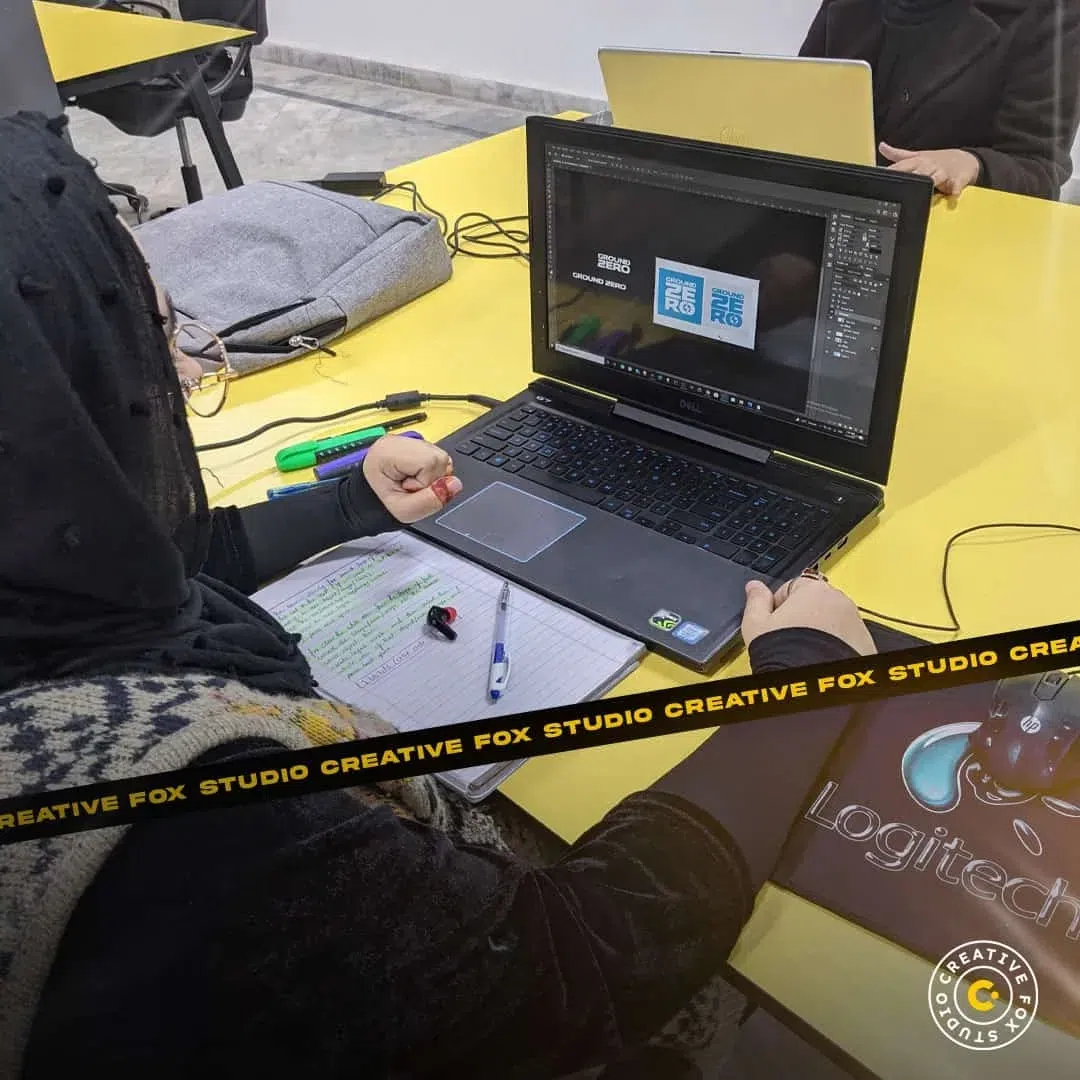
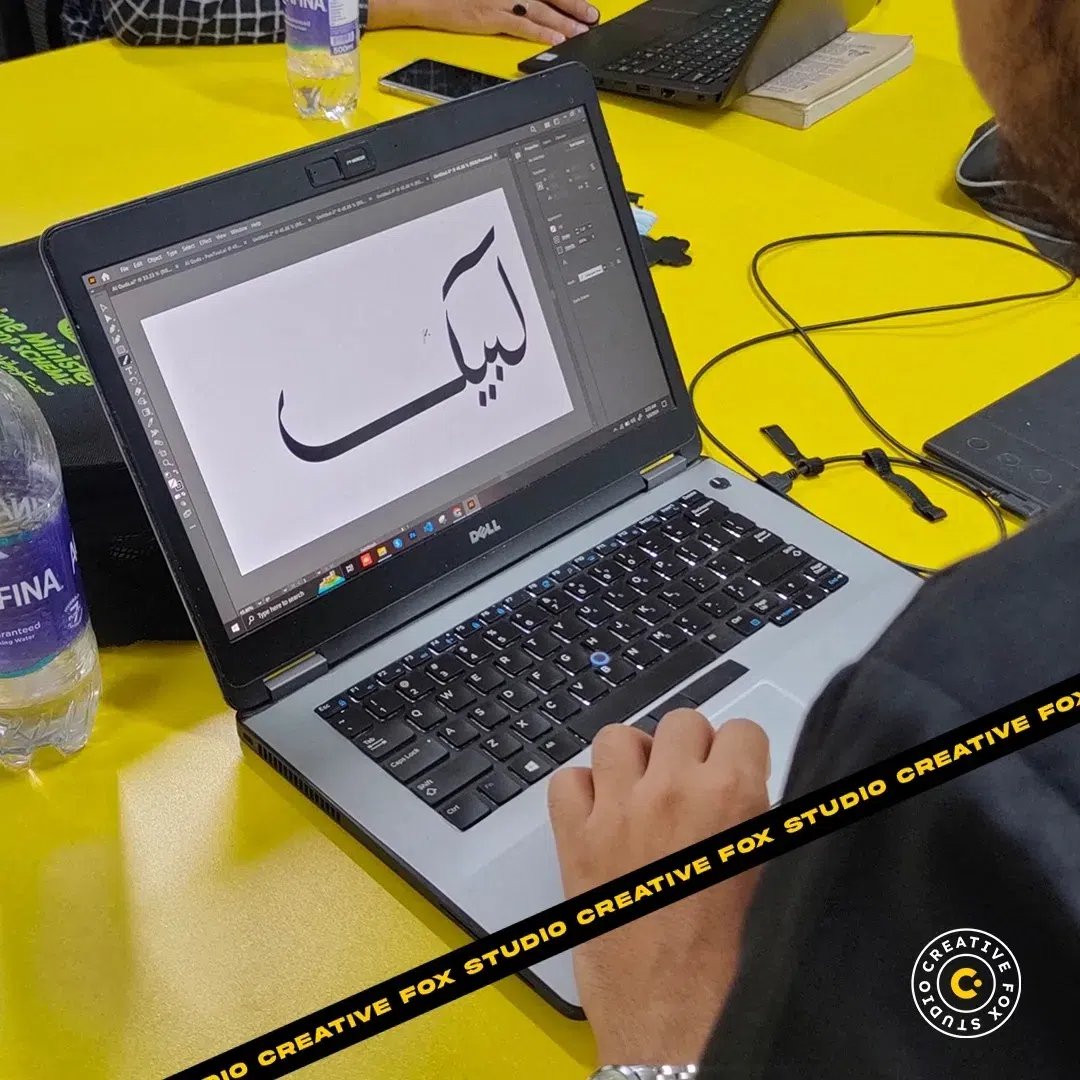
Real classroom moments at Creative Fox Studio Lahore — students learning together through practical, guided design sessions.


Yes. Online classes offer live one-on-one guidance across Pakistan, with practical work and personal feedback. Both online and onsite options include individual guidance. Confirm your preferred timing with the admissions team.
Each course runs for approximately two months. Your instructor will share the session plan and learning roadmap.
Onsite options are available in Gulberg near Liberty and Bahria Town, Lahore, and I-10/3, Islamabad. Confirm the venue, course availability, start date, timetable and software requirements with the team before booking.
Yes. Use the PDF Outline link above to see the detailed syllabus for the selected course.
Tell our team which course you want and whether you prefer online or onsite guidance. We'll help you with the next step.
Discuss Admission on WhatsApp ↗